
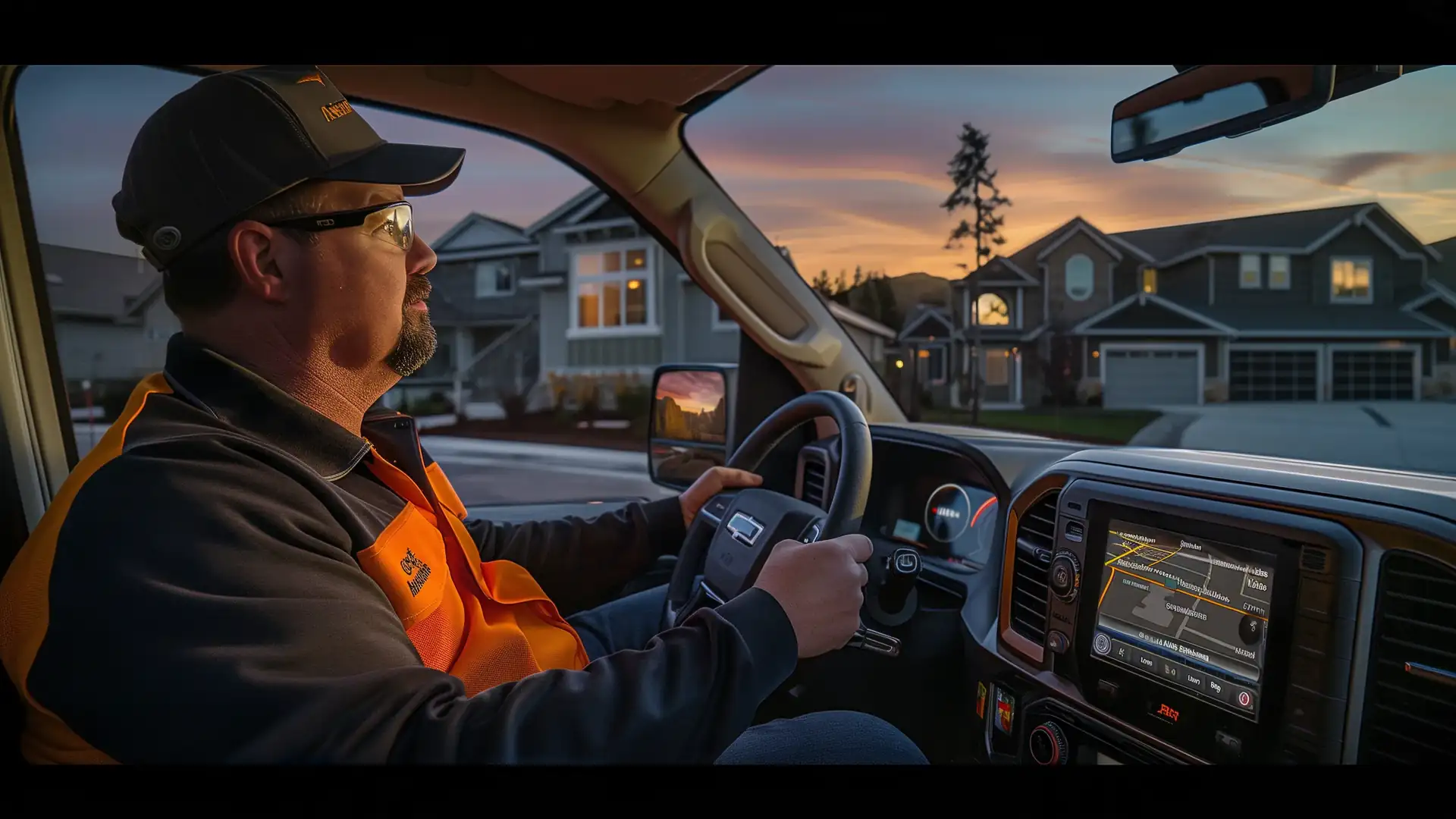
Your crew might be on a roof, inside a customer's home, driving between jobs, or working at several locations at once.
I give your business one phone number that can ring multiple crew members at the same time.
Your employees answer business calls from the phones they already carry, without handing out personal numbers or carrying a second phone. When you miss a call, I can connect it to your CRM and start automatic follow-up.
One Number Rings Your Crew, Not Just One Desk
A contractor phone system routes calls from one business number to whoever may be available to answer, instead of relying on one office phone or one employee carrying the company cell phone.
Whoever's available can answer. The customer keeps calling one company number, while your crew gets more chances to pick up.
- Driving to the next job
- Working on a roof
- Inside a customer's home
- Moving between job sites
- Already speaking with another customer
The call no longer depends on one employee carrying the business phone.
Handle More Than One Incoming Call
One conversation doesn't have to block the next customer from calling.
I can support multiple incoming calls, so another available crew member can answer while someone else is already on a call, useful for a business hearing from homeowners, suppliers, employees, and active customers throughout the day.
Keep Business Calls Separate From Personal Calls
Your crew uses their existing mobile phones without giving customers their personal numbers. Your customers see and call the company number.
No second physical phone. No additional SIM card.
See Missed Business Calls From the Truck
A missed call shouldn't get lost in a phone full of personal texts and calls.
Know a customer called without searching through your personal call history
I can surface business-call information on supported mobile and vehicle interfaces, including Apple CarPlay and Android Auto, so you can recognize a missed business call without digging through a mixed list of personal and business calls.
Seeing the missed call is only part of the problem. What happens next matters more.
Automatically Follow Up After a Missed Call
A missed business call can trigger an automatic text message to the caller through Missed-Call Recovery, so your crew doesn't have to notice the call and remember to respond before the follow-up begins.
This gives your caller an immediate response even when your crew is unavailable.
Job Photos, Stored With the Job
You're already taking the photos. They should end up somewhere your team can find them again.
Keep job photos out of your personal camera roll
You document before-and-after conditions, completed work, materials, problem areas, and damage constantly.
I can upload photos taken through the mobile app to the cloud and attach them to the right job, so they stay easy to find later for customer updates, project documentation, and marketing, instead of buried in an employee's camera roll months later.
Your crew takes the photo. The photo stays connected to the job.
Mobile Access to Calls, Customers, Jobs, and Photos
I built the mobile experience for a crew that spends most of the day away from a desk.
Business calls, missed-call information, customer details, job information, schedules, and photos stay connected instead of scattered across unrelated apps, so your office and field crew work from the same customer and job information.
Common Questions
What is a contractor phone system?
A contractor phone system is a business calling system designed for companies whose employees work in the field rather than at fixed desks. It can route one business number to multiple crew members, separate business calls from personal numbers, record missed calls, and connect phone activity with customer and job information.
Does a contractor phone system require a second phone or SIM card?
No. I built Strategic Mind on a digital business phone system, so your crew can use their existing mobile phones without adding a second physical phone or separate SIM card.
Can contractors see missed business calls while using Apple CarPlay or Android Auto?
Yes. I can surface missed business-call information through supported interfaces such as Apple CarPlay and Android Auto, so you can recognize a missed business call while working away from the office.
Can the system automatically text someone after a missed call?
Yes. Missed-Call Recovery can automatically send a text message after a missed business call, giving your caller an immediate response and another opportunity to continue the conversation.
What kinds of job photos can contractors store?
You can store photos of completed work, work in progress, materials, problem areas, site conditions, before-and-after results, and other project details. Keeping those photos with the job makes them easier to find and reuse later, including on your website.
Does the phone system connect with the CRM?
Yes. I connect business calls and missed-call activity with customer and lead information in the CRM, so the phone conversation stays connected to the rest of the customer's history instead of living in a separate system.
Why is a contractor phone system different from a normal office phone system?
A traditional office phone system is usually designed around employees working at desks. I designed this one for crews working in trucks, homes, job sites, roofs, crawl spaces, and other locations away from the office. It routes calls and customer information to the field instead of assuming the field will come back to the phone.
One Phone System Connected to Everything Else
A phone call doesn't end when you hang up. It can become a lead, a quote, a scheduled job, a completed project, a payment, and eventually a review.
I keep that chain connected:
Marketing → Website → Lead → Phone Call → CRM → Quote → Schedule → Job → Payment → Review
Your field and your office work off the same record, instead of the office piecing it back together after the fact.